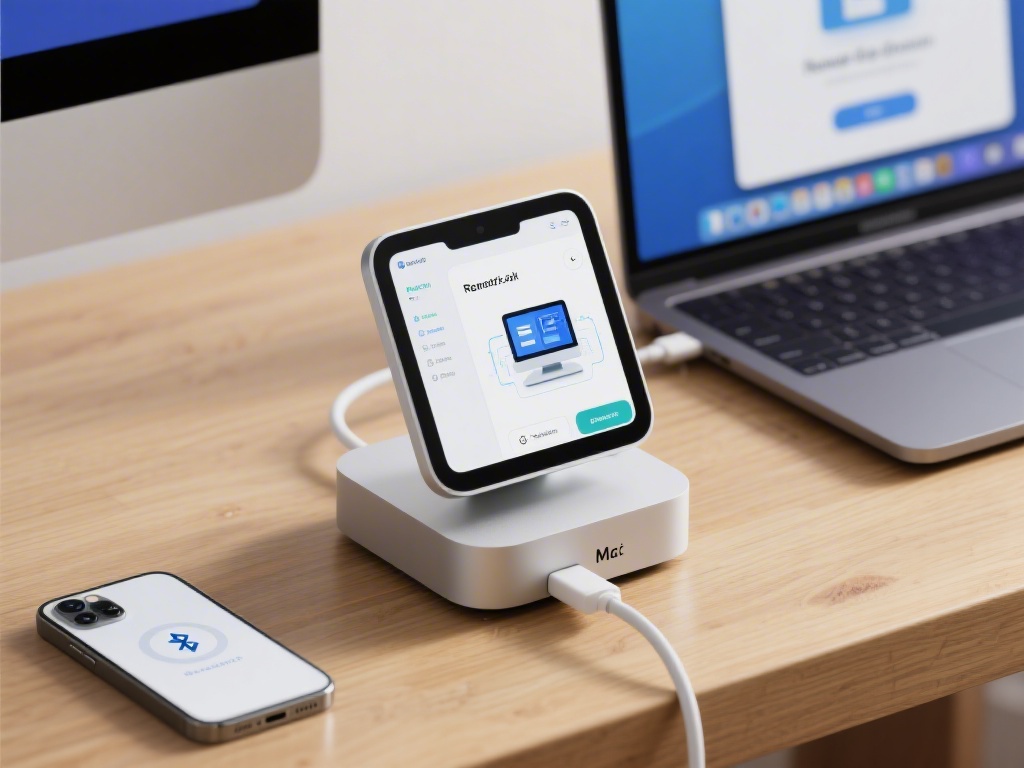
Understanding Remote Connectivity for Mac Mini
Connecting your Mac Mini remotely can be a game-changer for productivity and flexibility. Whether you're traveling or simply want to access your home or office Mac Mini, here's everything you need to know.Required Tools and Software
To remotely connect to your Mac Mini, you'll need a few essential tools: - A stable internet connection - macOS Catalina or later on your Mac Mini - A third-party remote desktop app like TeamViewer or AnyDeskSetting Up Your Mac Mini for Remote Access
1. Update your Mac Mini to the latest macOS version. 2. Go to System Preferences > Sharing and enable "Remote Management." 3. Choose a strong password to secure your Mac Mini. 4. Make sure your router's firewall allows remote access.Configuring Remote Desktop Software
1. Download and install your chosen remote desktop app on both your Mac Mini and the device you'll be connecting from. 2. Follow the app's instructions to create an account or sign in. 3. Input your Mac Mini's IP address and password to establish a connection.Connecting Across the World
1. Test your internet connection's speed and stability to ensure a smooth connection. 2. If you encounter latency issues, consider upgrading your internet plan or using a VPN for better performance. 3. Keep your firewall and security settings updated to prevent unauthorized access.Security Considerations
Always use a secure and encrypted connection to protect your data. Regularly update your software and use two-factor authentication for an extra layer of security.Conclusion
Connecting your Mac Mini remotely across the world is not only possible but also surprisingly straightforward. With the right tools and setup, you can enjoy the flexibility and productivity benefits of remote access. Follow our complete guide to get started today!Remember, remote access can greatly enhance your work-life balance and efficiency. By following the steps outlined in this guide, you'll be well on your way to a seamless remote Mac Mini experience. Don't wait — discover the possibilities of remote connectivity now!