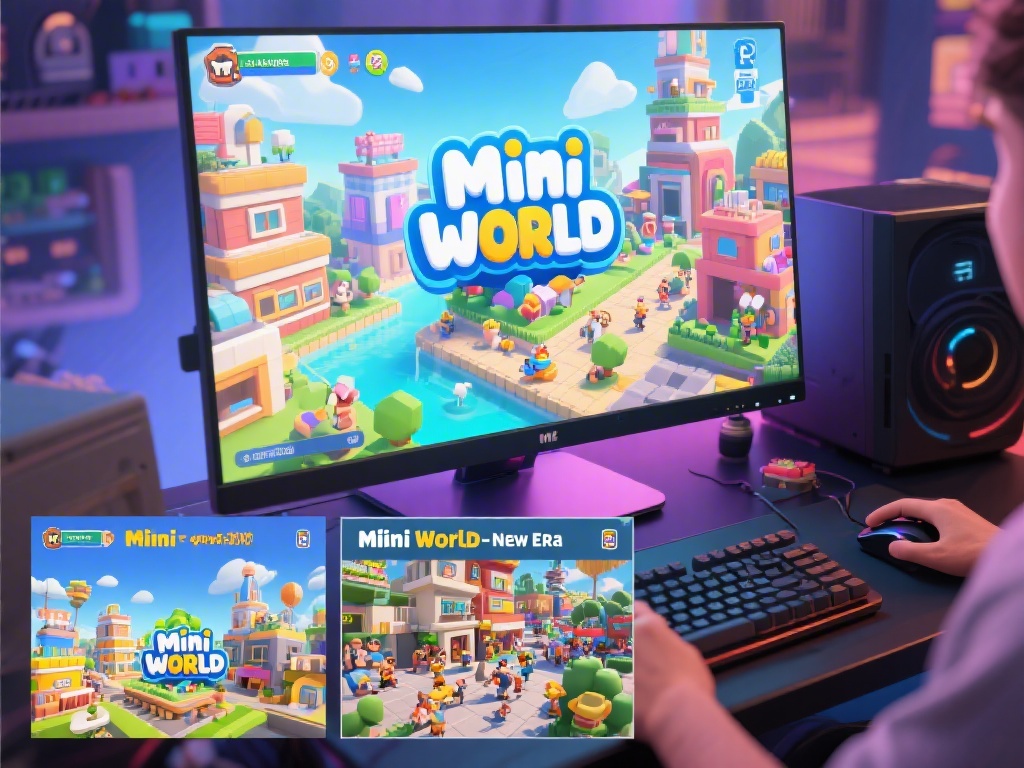
Are you a fan of Mini World and looking to enjoy it on your PC? Look no further! In this article, we will guide you through the process of downloading Mini World on your computer, providing you with the best methods and tips to get started.
Why Play Mini World on PC?
Playing Mini World on your PC offers several advantages. Firstly, you get a larger screen, which makes the game more immersive. Secondly, you can use a mouse and keyboard for more precise control, especially in building and designing. Lastly, PC versions often have more features and updates than mobile versions.
Step 1: Choose the Right Version
Before you download Mini World on your PC, it's essential to choose the right version. There are two main versions: the original Mini World and Mini World: New Era. The latter is more advanced and offers more features, but it may require a more powerful computer. Decide which one suits your needs best before proceeding.
Step 2: Find a Reliable Source
When downloading any game, it's crucial to use a reliable source. You can download Mini World from the official website, Steam, or other reputable gaming platforms. Avoid downloading from untrusted sources, as they may contain malware or viruses.
Step 3: System Requirements
Before downloading, ensure your PC meets the minimum system requirements for Mini World. The game requires a 64-bit processor, Windows 7 or later, 4 GB of RAM, and 2 GB of free disk space. If your system does not meet these requirements, you may encounter performance issues.
Step 4: Download and Install
Once you've found a reliable source and confirmed that your PC meets the requirements, follow these steps to download and install Mini World:
Step 5: Tips for a Smooth Experience
Here are some tips to ensure you have the best experience while playing Mini World on your PC:
That's it! You've now learned how to download Mini World on your PC. Enjoy exploring and building in this fantastic virtual world.