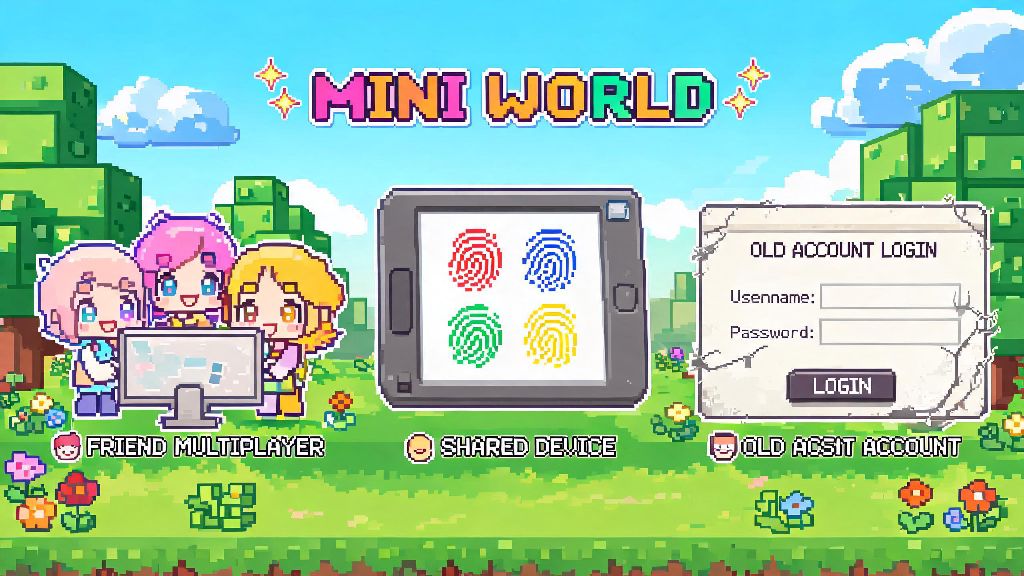
If you’ve ever stared at a Mini World login or server join screen wondering what is the default password for Mini World, you’re not the only player who’s run into this confusing roadblock. Thousands of players search for this question every month, whether they’re setting up a private server for friends, trying to access a guest account on a shared device, or locked out of an old account they haven’t used in months. I remember when I first set up a private Mini World server for my cousin and his friends a few years back, I spent 20 minutes refreshing the login screen because I didn’t realize the default code was so simple. This guide breaks down everything you need to know, including when default passwords apply, how to use them safely, and what to do if you can’t log in at all.
What is the Default Password for Mini World for Different Use Cases?
First, it’s critical to clarify that default passwords only apply to specific scenarios, not every Mini World login prompt. There is no universal default password for official Mini World registered accounts, and any site or person claiming to have a master password for all accounts is running a scam. Official accounts require you to set a unique password when you sign up, either via email, phone number, or third-party social login, so there is no pre-set code that works across all accounts.
The only time default passwords apply is for self-hosted private servers, which players set up to host custom worlds for friends or small communities. Most pre-built Mini World server packages use 123456 as the default server access password for new, unconfigured setups. Some older server versions may also use “miniworld123” or leave the password field blank by default, so you can try those options if 123456 doesn’t work. If you’re trying to access a guest account that was pre-set on a shared device like a family tablet, the default password is usually the same as the guest username, or left blank if no one has updated it yet.
It’s important to test these default codes only for servers or guest accounts you own or have permission to access. Trying to guess passwords for accounts or servers that don’t belong to you violates Mini World’s terms of service, and can result in a permanent ban from the game.
Why You Should Never Stick to the Default Mini World Password
It might be tempting to leave the default password in place for your private server, especially if you only plan to play with a small group of friends, but this is a huge security risk. The default password for Mini World servers is widely shared online, so anyone who knows even basic details about your server can guess it within seconds. I’ve seen dozens of players post in community groups complaining that their 100-hour castle build got destroyed by random people who found their server link and guessed the default password.
The risks go far beyond build griefing too. If you use a default password for a shared account, anyone who uses that device can access your inventory, spend your hard-earned Mini Coins on random skins, or even delete all your saved worlds entirely. For public servers, leaving the default password in place can let bad actors join to send scam links to other players, ban legitimate community members, or crash the server entirely.
Even if you think your server is too small to be targeted, it only takes one random person finding your server link to ruin hours of work. Changing the default password takes less than a minute, and it prevents all these risks entirely.
How to Reset Your Mini World Password If You Can’t Log In
If you tried the default server codes and still can’t access your world or account, don’t panic—there are safe, official ways to reset your password without relying on sketchy third-party sites. For official registered accounts, you can use the “forgot password” button on the login screen to send a reset link to your registered email or a verification code to your linked phone number. Never share your account reset code with anyone, even people claiming to be Mini World support, because official support staff will never ask for that code directly.
If you’re locked out of a private server you didn’t set up, you can ask the host to confirm if they’re still using the default password for Mini World before you try resetting your account details. Most of the time, login issues for private servers come from the host changing the password without notifying all players, or a typo in the server address. If you are the server host and you forgot your custom password, you can access the server’s root files, open the configuration folder, and edit the password line to set a new one, or delete the existing password to revert back to the default 123456 code temporarily.
Be very wary of any site that offers to “unlock” your Mini World account for a fee, or asks for your account username and password to fix login issues. These are almost always scams designed to steal your account and your in-game purchases, and they have no official affiliation with Mini World’s development team.
Best Practices to Keep Your Mini World Account and Servers Secure
Once you get access to your account or server, there are a few simple steps you can take to avoid login issues and security risks down the line. First, always change the default server password immediately after setting up a new world, before you share the server link with anyone. It’s a good idea to change your server password every 3 to 6 months especially if you’ve had a lot of new players join over time, or if you’ve shared the password with someone who is no longer part of your player group.
For your personal account, use a unique password that is at least 8 characters long, with a mix of uppercase letters, lowercase letters, numbers, and symbols. Avoid using easily guessable passwords like your birthday, username, or "password123" because these are the first combinations bad actors will try. Don’t reuse the same password you use for other games or social media accounts, because if one of those sites gets hacked, your Mini World account will be at risk too. If you have the option, enable two-factor authentication on your account for an extra layer of security.
If you share a device with family or friends, always log out of your Mini World account when you’re done playing, and don’t save your password to the device. For public servers, consider setting up a whitelist so only players you approve can join, even if they have the server password. This prevents random people from joining even if the password gets shared outside your friend group.
At the end of the day, most login issues in Mini World are easy to fix once you know the difference between official accounts and private servers. Now you know that the answer to what is the default password for Mini World depends entirely on what you’re trying to access: there’s no universal code for registered accounts, but most new private servers use 123456 as the default access code before you change it. Always prioritize updating default passwords immediately to keep your builds, progress, and account safe, and never trust third-party sites that claim to have master passwords for all accounts. If you run into login issues you can’t fix on your own, reach out to the official Mini World support team through the in-game help center for verified assistance.